 Reviewed by ID888 Brand Team
 The ID888 App Slots, Casino and More on Mobile
Access your ID888 account from your phone and move smoothly between slots, live casino, bingo, sports content and account tools. Android users can download the dedicated APK, while iPhone and iPad users can use the mobile browser for the same responsive experience. Deposits and withdrawals are handled in Philippine pesos through the payment options shown in your account, including available local e-wallets and online banking channels. The platform is designed for Philippine mobile users, with a lightweight layout that is easy to use on standard mobile connections. For adults aged 21 and above only. Play responsibly and never treat gaming as a source of income.
Everything the ID888 App Puts in Your Hands
The ID888 app is more than a smaller website view. It provides a mobile-first way for Philippine players to access ID888 games, account tools, and PHP payment features from a phone.
Faster Mobile Access
The ID888 app is built for everyday mobile use in the Philippines, with a lightweight layout that supports faster loading on standard mobile data connections. Android players can move between the Game Lobby, Slots, Casino, Bingo, and account areas without needing a desktop browser.
Account and Platform Updates
Stay informed through the information shown in your ID888 account, including available promotions, payment details, and important account notices. Check your dashboard regularly so you can review current activity and applicable terms before taking part.
Secure Account Access
Sign in to your ID888 account using your registered Philippine mobile number and password. Keep your credentials private, use a strong unique password, and reset it promptly if you believe your account may have been compromised.
Local PHP Payment Options
Manage deposits and withdrawals through the payment options currently displayed in your ID888 account. Available channels may include local e-wallets and online banking services, with all transactions handled in Philippine pesos. Review the details shown at checkout and complete any required account or payment verification before requesting a withdrawal.
The Full Platform on Mobile
The ID888 mobile experience gives you access to the platform's main sections, including Slots, live Casino tables, Bingo, the Game Lobby, and account management. Use the same ID888 account and shared PHP balance across supported sections, whether you access the service through Android or an iOS mobile browser.
A Clear, Mobile-First Interface
ID888 is designed around comfortable phone use, with touch-friendly navigation, readable game areas, and layouts that adjust to Android and iOS screen sizes. You can browse the platform through a mobile browser, while Android users may choose the dedicated APK experience for quicker access from the home screen.
How to Install the ID888 App on Android
The ID888 Android app is available as a direct APK download, so installation does not require the Google Play Store. Downloading the app is optional because the mobile browser version remains available on Android and iOS. If you choose the APK, follow the device prompts carefully and install it only from the official ID888 download page.
Register or Log In to Your ID888 Account
Open ID888 on your phone and either sign in with your existing registered mobile number and password or create a free account. Registration is designed for mobile completion and includes one-time PIN verification sent to your Philippine mobile number.
Open the App Download Page
Select the App or Download section from the main navigation to view the current Android APK instructions. Use the download option presented there and review the installation guidance before saving the file.
Allow Installation from Unknown Sources
Before installing an APK, open your Android Settings and enable the permission labelled "Install unknown apps" or "Allow from this source" for the browser you are using. Android requires this permission for applications installed outside the Google Play Store, and you can disable it again after installation.
Download and Open the APK File
Tap the APK download option on the official ID888 download page and wait for the file to finish saving. Open it from your notification panel or Downloads folder, then check the installation prompt before continuing.
Install the App and Sign In
Tap “Install” when the Android prompt appears. After installation, open the ID888 app and sign in using your existing account details. Your slots, live casino, bingo, game lobby, and PHP balance will be available through the same account.
How to Access the App on iOS
iPhone and iPad users can enjoy an app-like experience through Safari. Add the platform to your home screen for quick, full-screen access without downloading a separate App Store application.
Open the Platform in Safari
On your iPhone or iPad, open Safari and visit id888.yachts. Safari is recommended for adding the mobile site to your home screen on iOS.
Tap the Share Icon
Tap Safari’s Share icon at the bottom of the screen. It is shown as a square with an upward-pointing arrow.
Choose “Add to Home Screen”
Scroll through the sharing options and select “Add to Home Screen”. Enter a short name, then tap “Add” to confirm.
Open It from Your Home Screen
A shortcut will appear on your iPhone or iPad home screen. Tap the icon to open the mobile site in a clean, full-screen view with quick access to your account and games.
App FAQs
Is the app free to download?
Yes. The Android APK is available without a download charge, while iPhone and iPad users can add the mobile site to their home screen at no cost. Registration is free; you only fund your PHP wallet if you decide to play real-money games.
Is the app safe to install?
Download the Android APK only from the official platform source and review the installation prompt before proceeding. Keep your device software updated, avoid unofficial copies, and never share your login details. For account or installation concerns, consult the FAQ or contact player support.
Will the app work on my phone?
The Android app is compatible with most devices running Android 6.0 or later. iPhone and iPad users can access the full platform through a responsive mobile browser, so a separate iOS app file is not required. If your device supports a current version of Safari or Chrome and has a stable connection, browser access should be available.
Does the app use a lot of mobile data?
Data use depends on the games and features you open, as well as your mobile connection. Live casino video streams generally require more data than standard account browsing or lightweight game pages. If you are using a limited data plan, monitor your usage and connect to a trusted Wi-Fi network where appropriate.
Can I use the same account on the app and website?
Yes. One account works across the Android app, mobile browser, and desktop browser. Your account details, PHP balance, transaction records, and game access are linked to the same profile, subject to the platform’s current account and verification requirements.
Android
Direct Android APK
iOS Browser
Safari Web App Access
App Specifications
| App Access | Lightweight APK |
| Android Version | 6.0 and above |
| iOS Access | Mobile browser |
| Language | English |
| Payment Options | Local e-wallets and online banking |
| Minimum Deposit | PHP Payments |
| Withdrawal Information | Shown in Live Terms |
| Secure Account Access | Shown in your account |
| Account and Platform Updates | Account Access |
| One login across supported devices | Live sports coverage |
| Age Requirement | 21+ only |
Create a free account in under two minutes, then access the mobile platform, slots, live casino, bingo, and PHP payment options from one account.
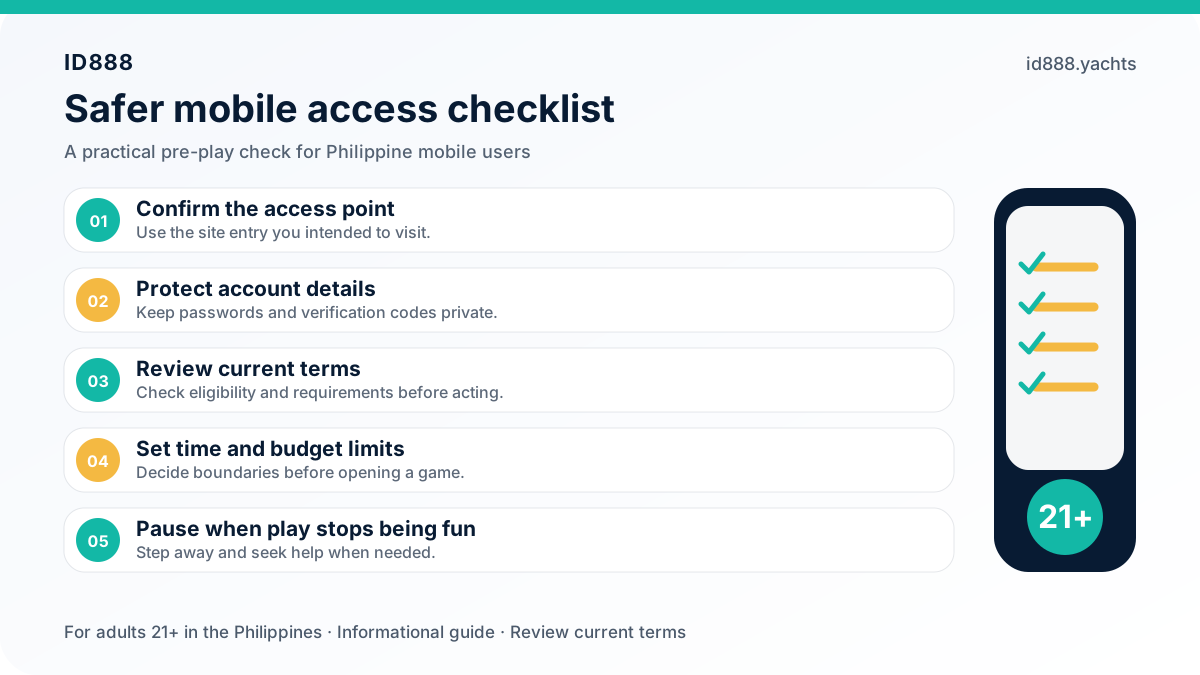
Register for FreeThe ID888 app supports safer play with account controls for deposit limits, session reminders, cool-off periods, and self-exclusion. Manage these settings from your account and take a break whenever you need one.
Responsible GamingDownload ID888 and Play on the Go
The ID888 app brings slots, live casino, bingo, account access, and PHP payments to your mobile device. Android players can download the APK, while iPhone and iPad users can use the mobile browser. Create a free account or log in to get started. Available to adults aged 21 and above only.